Screen mirroring program
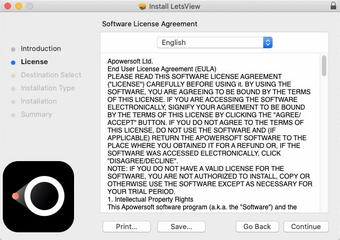
Wangxu Technology Co. Ltd. created LetsView, a free utility program for desktop and mobile devices. It is a cross-platform screen mirroring application that allows you to mirror your smartphone to your computer and vice versa. It enables them to cast apps and media via a number of suitable protocols, including AirPlay and Miracast.
Top Recommended Alternative

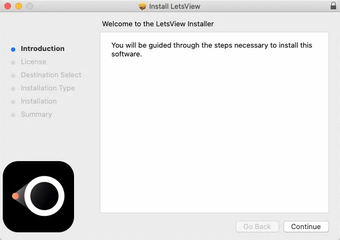
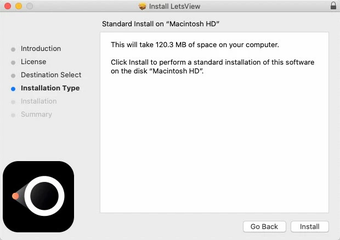
LetsView, like ApowerMirror and TeamViewer, allows for seamless transitions between phone and desktop screens. The application is simple to install and uses Wi-Fi to connect devices wirelessly. Casting works well with cellphones and may be enabled using the quick access settings.
What is LetsView EXE?
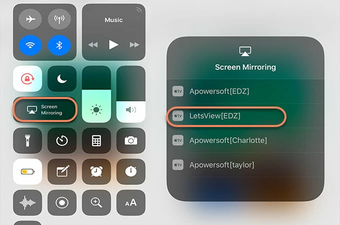
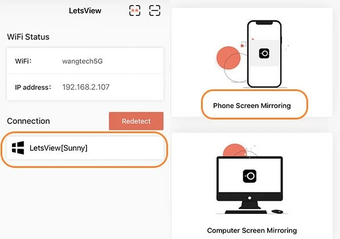
Using your Wi-Fi connection, LetsView allows you to mirror what's on your phone's screen to your computer. The opposite is also possible, since it allows you to cast from your computer to your mobile device. Once you've established a connection, you may turn on the function by going to the screencasting menu or the fast settings toggle, depending on your mobile OS platform.
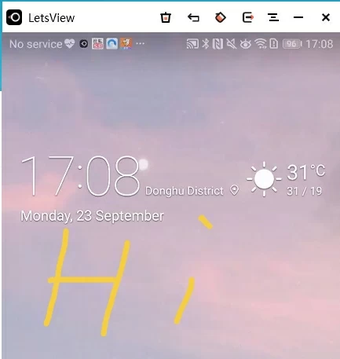
LetsView displays on your smartphone as a floating window with a variety of functions. The first is to take a screenshot, which is a normal option. You may then choose to record a video of whatever is going on your screen. Meanwhile, a Whiteboard feature allows you to draw on the screen, which is useful during presentations. A full-screen mode completes its feature set.
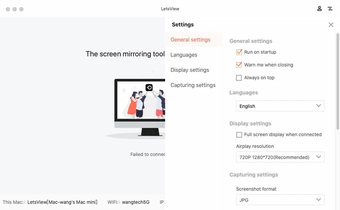
Finally, under the Settings menu, you may modify numerous display, audio, and recording parameters. On your device, you may even enable hotkeys. However, there are a few factors to keep in mind. To begin, you can only mirror your screen if both of your devices are connected to the same Wi-Fi network. Second, there is a time restriction on how long you may cast your display before you must reconnect to keep using it.
Simple screen-mirroring app
LetsView is a good option to consider if you're searching for a basic screen mirroring application to utilize with your devices. It lacks sophisticated capabilities and has its own set of restrictions. Furthermore, it is straightforward to use and performs as expected.